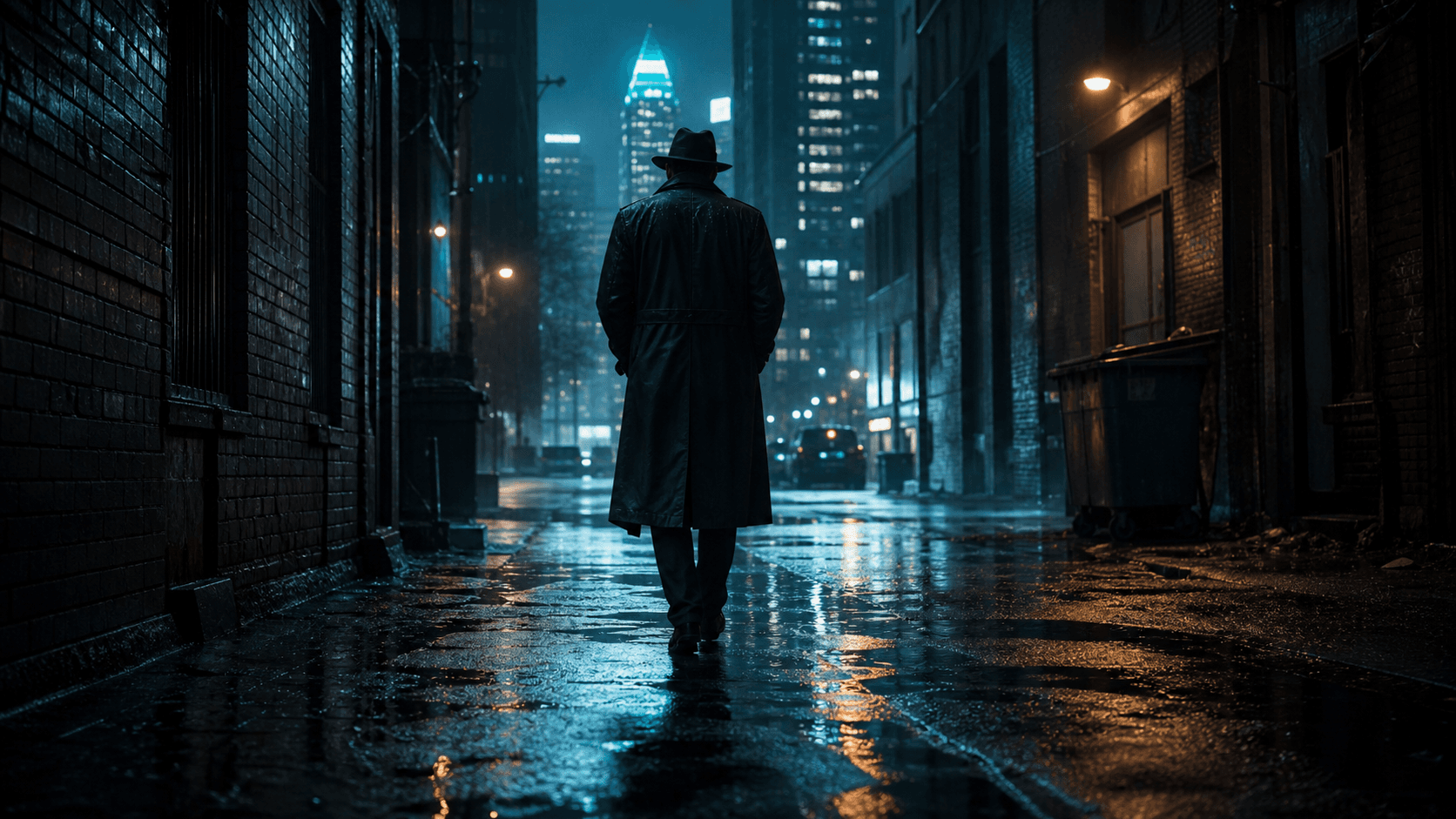
Night Signal cinematic station scene
The AI-native production room

Make cinema.
Keep the world.

Turn written scenes into directed, connected footage—with characters, performance, camera language, sound, and continuity living in one production.

Night Signal · Production workspace
Scene 04 · The tail

Same world · Segment 2 of 3

Generate next
Night Signal rain city preview▶ 00:08 / 00:20IDENTITY LOCKED
V1 · CINEMATIC SEQUENCE00:20
A1 · Rain ambience + low pulse

AI DirectorCharacter, rain, wardrobe, lens, and movement are carried into Segment 3.

The tail
Scene 03 · 8 secThe tail
Elias remembers
Close-up · 6 secElias remembers
Last train
Scene 04 · 12 secLast train
The meeting
Scene 05 · 20 secThe meeting
One production room · Every format

Every kind
of motion.

Direct a product reveal, a performance, an animated world, or a human story without rebuilding your production workflow. Your references, camera language, sound, and continuity stay close.

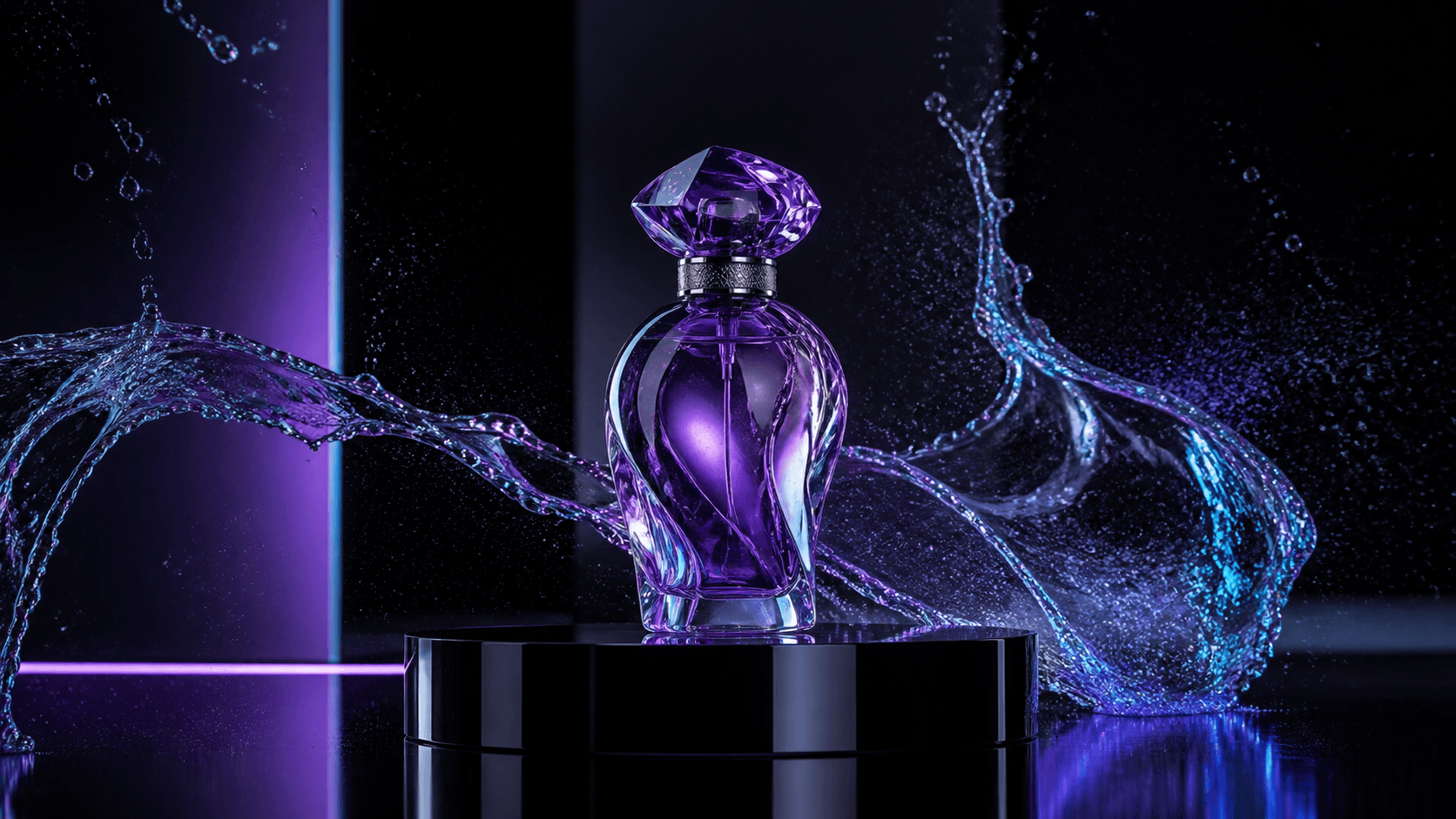
Brand film created in AI Video Studio
01 · Directed in studio

Brand film

Light, texture, product, and motion designed as one visual language.
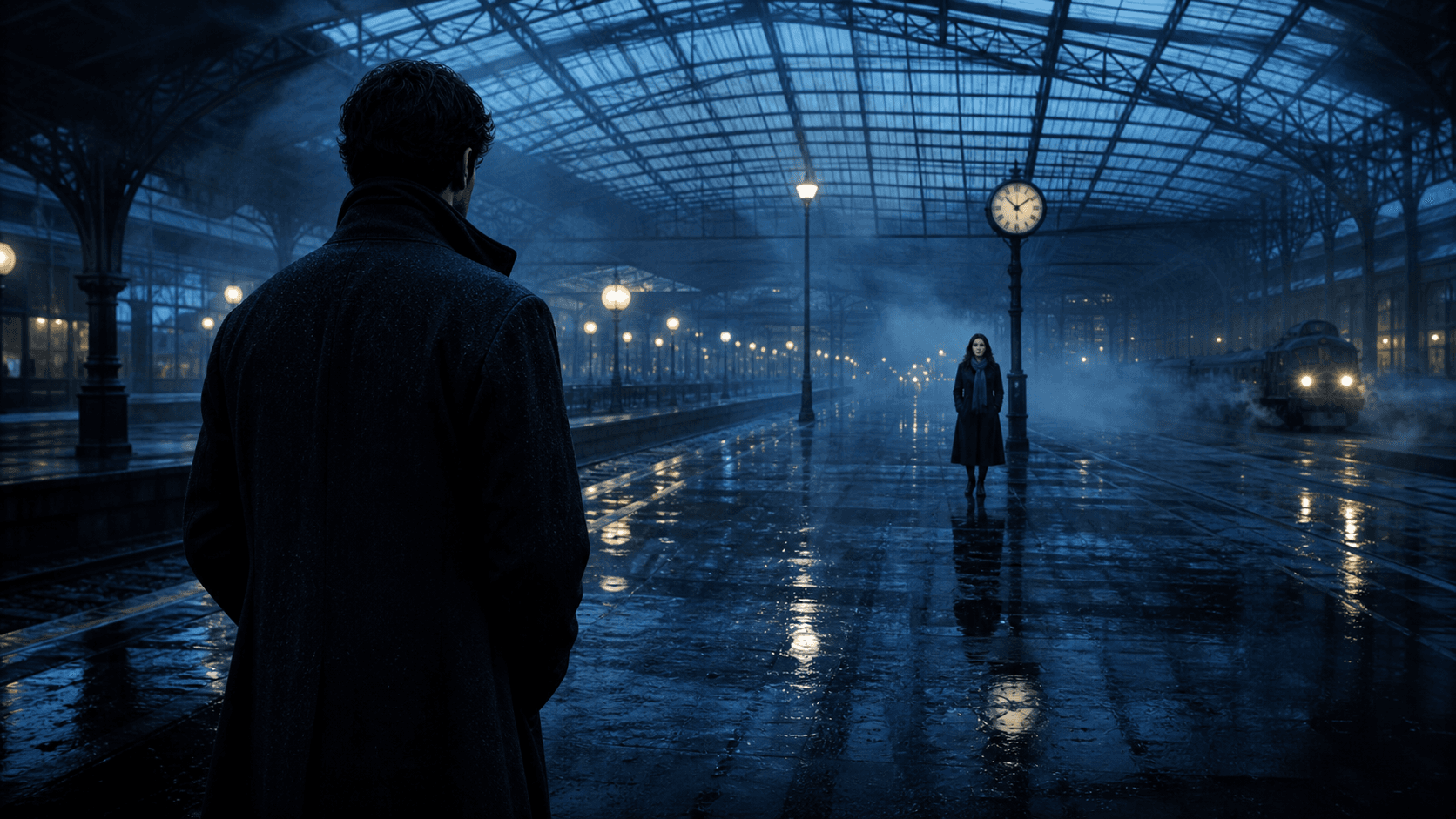
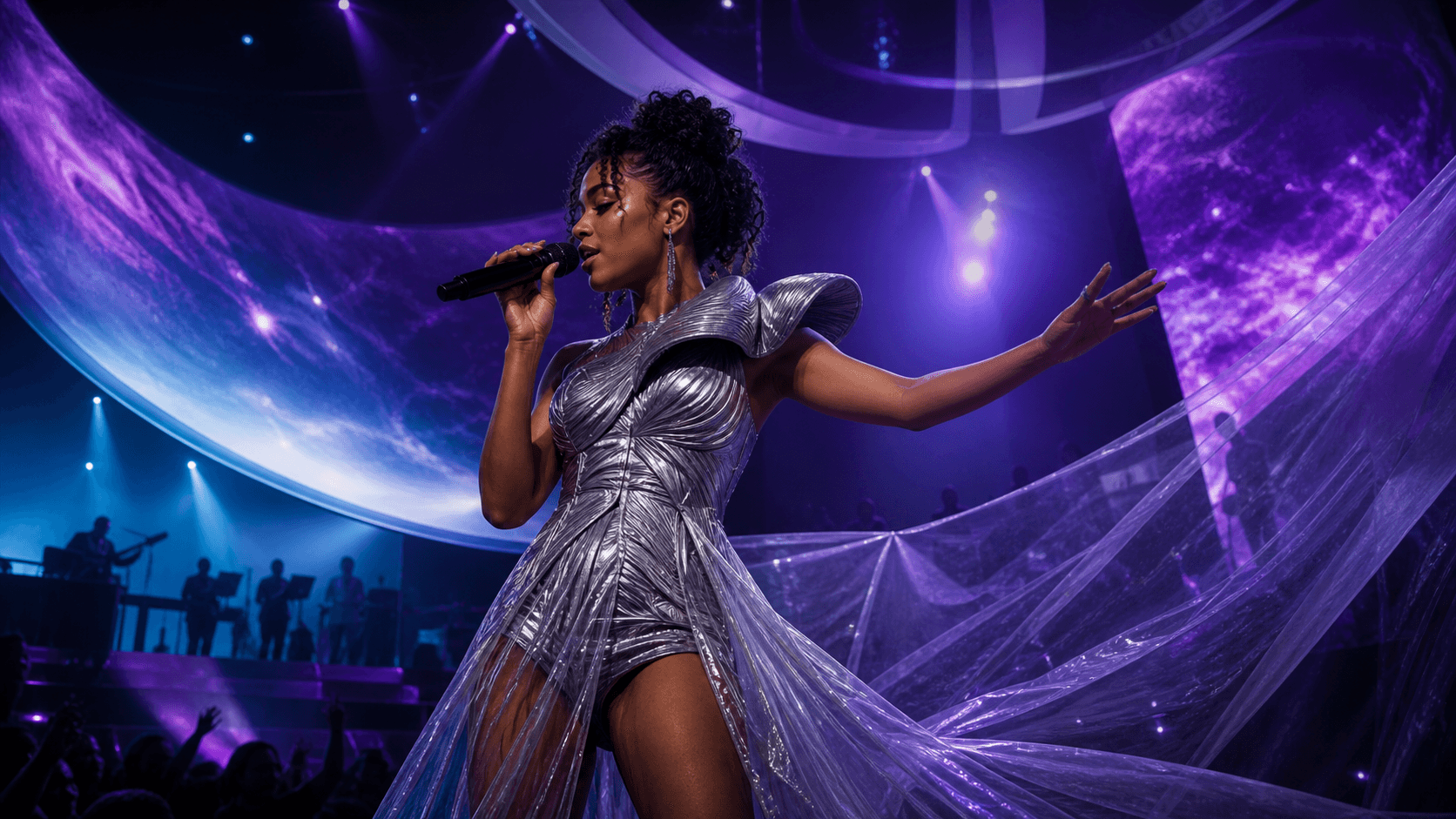
Music visual created in AI Video Studio
02 · Directed in studio

Music visual

Performance, atmosphere, camera energy, and rhythm carried shot to shot.
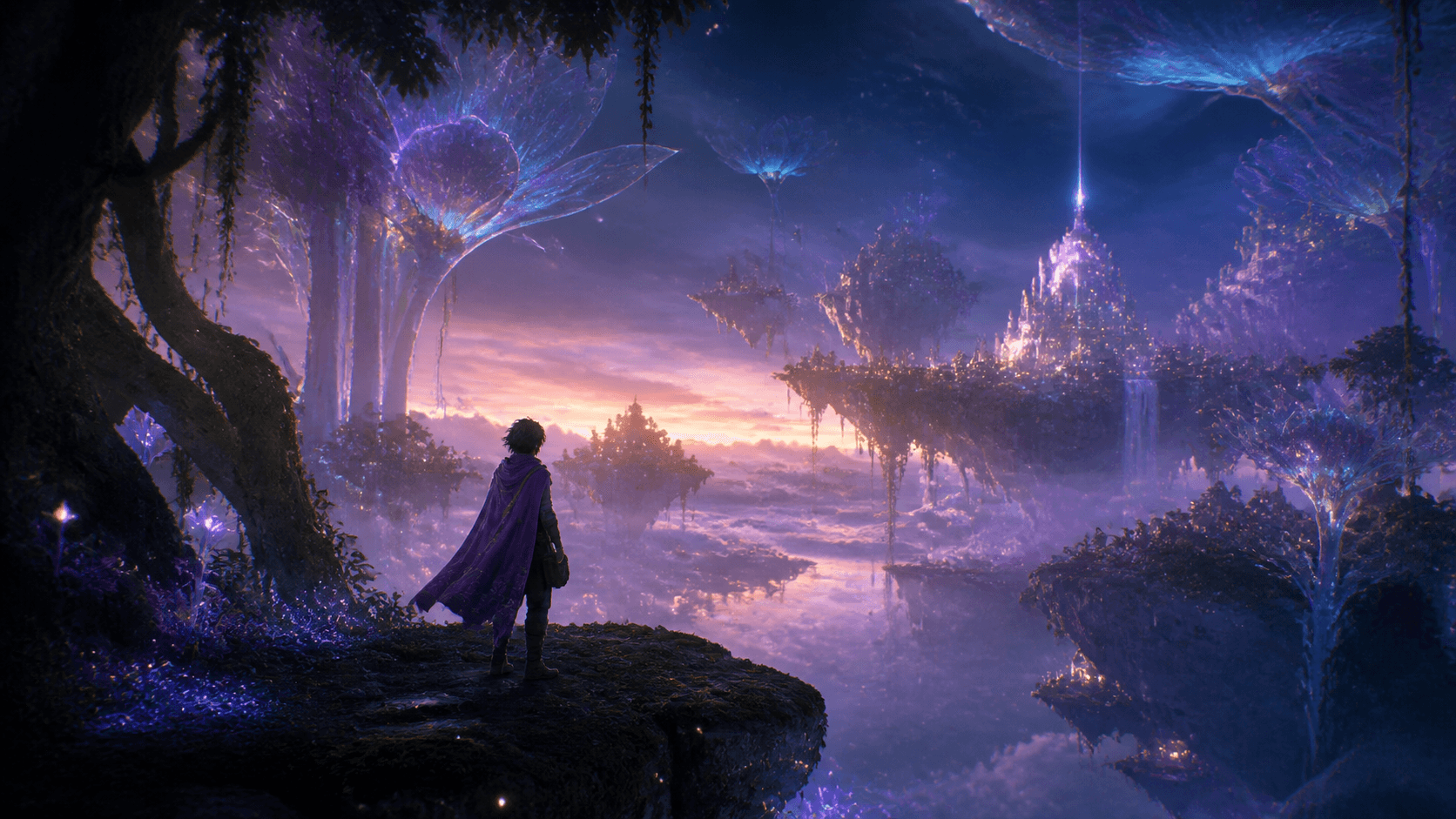
Stylized animation created in AI Video Studio
03 · Directed in studio

Stylized animation

Original worlds with a consistent character and a deliberate art direction.
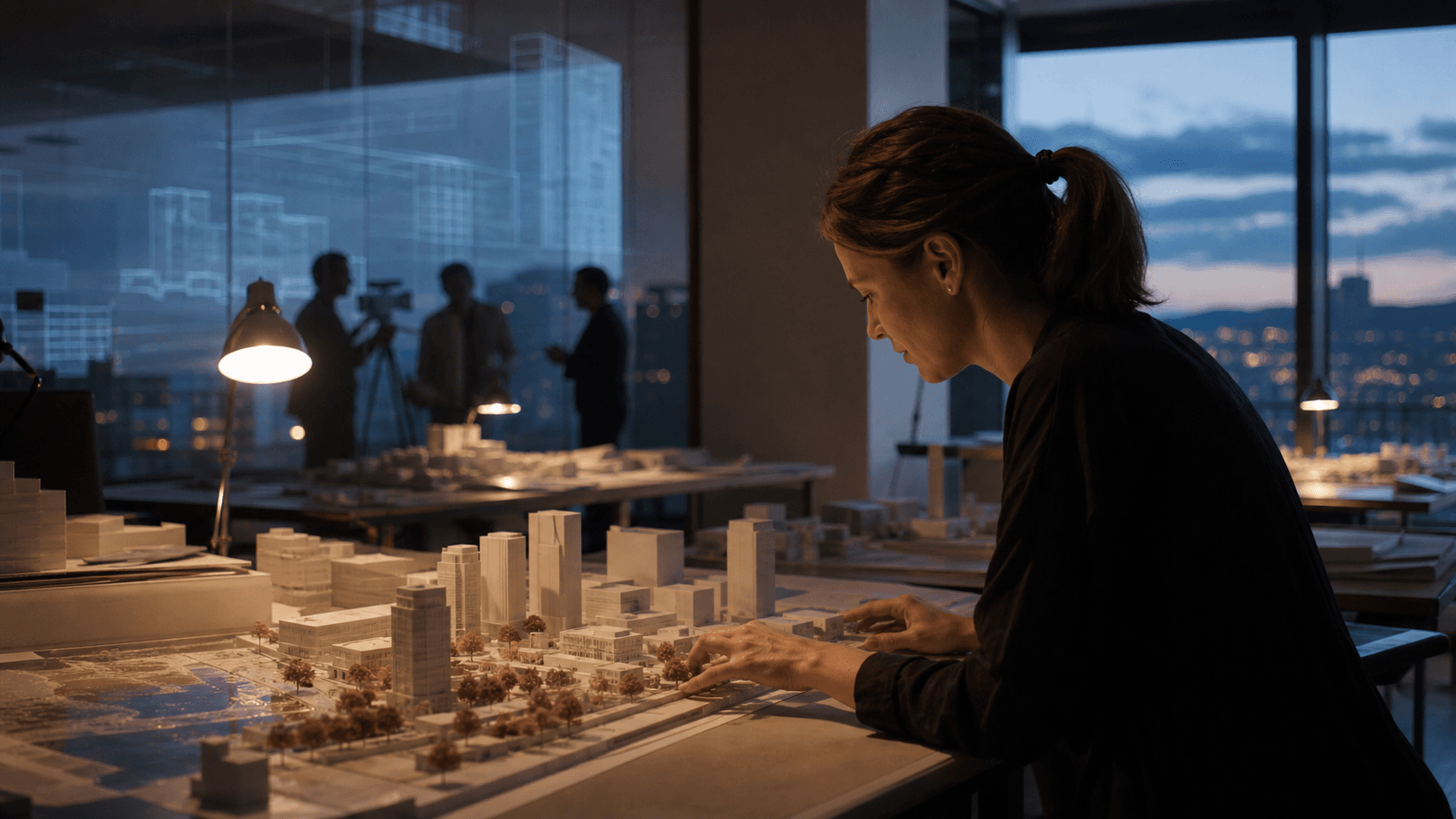
Documentary story created in AI Video Studio
04 · Directed in studio

Documentary story

Grounded, editorial images shaped into a clear human narrative.

A real production workflow

From the first line
to the final cut.

01

Write or import

Bring in TXT, Markdown, Fountain, FDX, JSON, or CSV. Keep your dialogue and story order.

02

Cast the world

Give every recurring character a visual identity, alternate looks, voice, role, and wardrobe.

03

Direct the sequence

Shape storyboards, camera, lighting, action, sound, and clip length before generation.

04

Continue and finish

Extend the same scene with its title, cast, location, action, tone, and handoff intact.

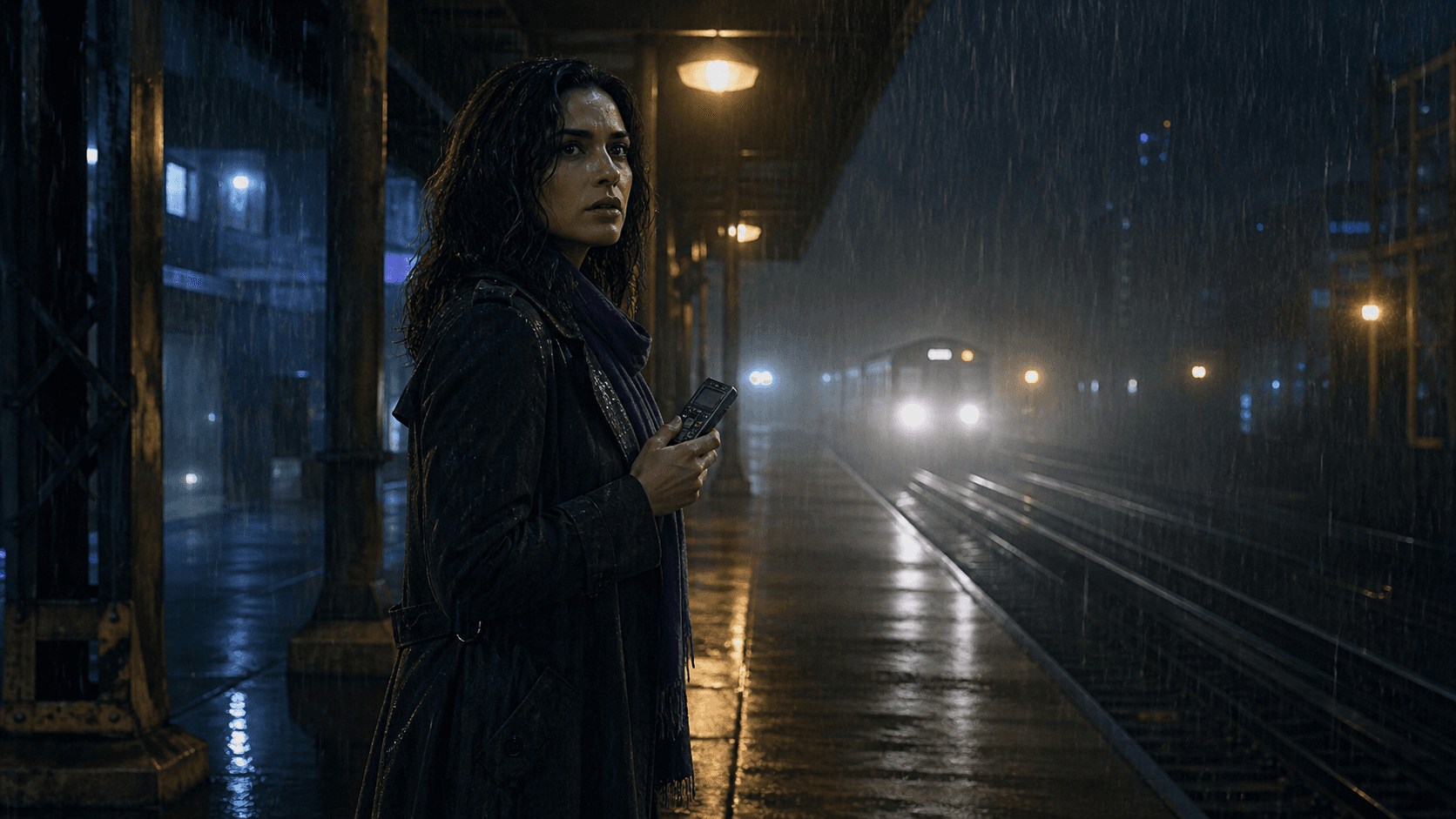
Night Signal station scene
01 · Script intake

Bring the scene.
Keep your voice.

Upload what you already wrote. Keep dialogue, story order, and the details that matter.

📁 NIGHT_SIGNAL_FINAL.fountainIMPORTED

EXT. UNION PLATFORM — NIGHT

Rain needles through the lights. MARA lifts the recorder. ELIAS does not move.

MARA
You followed the wrong signal.

[CAMERA: slow push, 50mm]

[SOUND: rain, rail hum, distant brake]

2 characters · 4 beats · 3 locksBuild plan →
Visual Character Bible

Write who they are.
Show how they look.

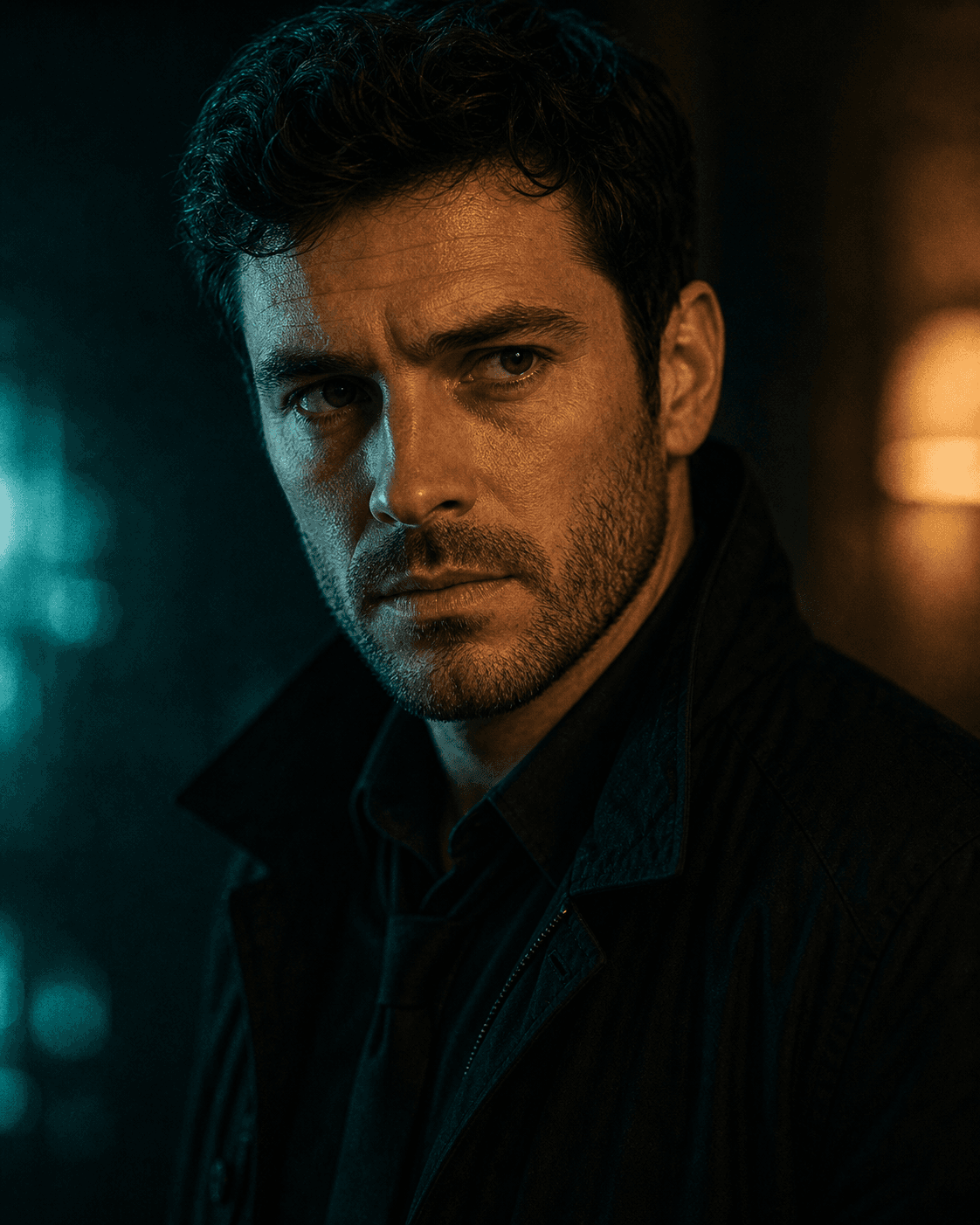
Elias primary character reference
PRIMARY IDENTITY · LOCKED

Elias Vale

Alternate look
Wardrobe look
CHARACTER PROFILE🔒 Continuity active

A character is more than a prompt.

Primary image, alternate looks, role, identity source, voice, distraction, assistant direction, demonstration reference, and guided wardrobe live together.

Story roleLead investigator
Identity sourceUploaded reference
VoiceLow, restrained, deliberate
WardrobeCharcoal trench · black shirt
CasualProfessionalRain outerwear+ Custom
Connected scene generation

The clip ends.
The scene doesn’t.

Continue from the finished clip. Same title, cast, setting, action, wardrobe, lighting, tone, and camera language.

6sPrecise
8sBalanced
12sAction
20sLong
Continue this scene · Segment 3

Not just generation.
Production.

01

Script intelligence

Import, break down, and protect an existing scene.

02

Visual character memory

Portraits, alternate looks, wardrobe, voice, role, and identity locks.

03

Connected generation

6, 8, 12, and 20-second segments that belong to the same scene.

04

Director guidance

Contextual chat, captions, voice, onboarding, drag, dock, and minimize.

05

Production control

Storyboards, routing, preflight, QA, rerenders, timeline, sound, and export.

REVIEW & ASSEMBLENIGHT SIGNAL · 01:42
Mara on platform
Interactive AI Director

A guide that stays for the whole production.

Contextual help, voice, captions, chat, drag, dock, minimize, and a persistent launcher.

AI Director

Guiding: Scene Setup

Mara’s primary image is locked. Her violet scarf stays in the next segment.

Choose 8 seconds for this dialogue beat.

Where do I add another outfit?

Character Bible → Alternate looks.

Ask about this screen…
Standalone VIGAI Video Studio plans

Edit for free.
Choose AI when ready.

Every account includes the manual production editor. Package prices, billing schedules, credits, trials, storage, project limits, export resolution, support, and licensing come directly from Video Admin.

01

Editor

Free

Manual editing, import, timeline, captions, and export. AI generation is not included.

  • 3 saved projects · exports through 1080p
  • 5 GB storage
  • Community support
Open free editor
02

Director

$24.99 / week

25,000 generation credits. Director AI video production billed per week.

  • AI Director and scene controls
  • Draft and production generation
  • 1080p export
  • 10 saved projects · exports through 1080p
  • 50 GB storage
  • ✓ Commercial license
  • Standard support
Choose plan
03

Director

$79.99 / month

80,000 generation credits. Director AI video production billed per month.

  • AI Director and scene controls
  • Draft and production generation
  • 1080p export
  • 10 saved projects · exports through 1080p
  • 50 GB storage
  • ✓ Commercial license
  • Standard support
Choose plan
04

Producer

$49.99 / week

50,000 generation credits. Producer AI video production billed per week.

  • Higher generation credit allowance
  • Character and scene continuity
  • Voice and lip-sync workflows
  • 4K export
  • 50 saved projects · exports through 4k
  • 250 GB storage
  • ✓ Commercial license
  • Priority support
Choose plan
05

Producer

$159 / month

160,000 generation credits. Producer AI video production billed per month.

  • Higher generation credit allowance
  • Character and scene continuity
  • Voice and lip-sync workflows
  • 4K export
  • 50 saved projects · exports through 4k
  • 250 GB storage
  • ✓ Commercial license
  • Priority support
Choose plan
06

Studio

$99.99 / week

100,000 generation credits. Studio AI video production billed per week.

  • Highest generation credit allowance
  • Brand and character libraries
  • Unlimited projects
  • 1 TB storage
  • 4K export
  • Unlimited saved projects · exports through 4k
  • 1024 GB storage
  • ✓ Commercial license
  • Premium support
Choose plan
07

Studio

$319 / month

320,000 generation credits. Studio AI video production billed per month.

  • Highest generation credit allowance
  • Brand and character libraries
  • Unlimited projects
  • 1 TB storage
  • 4K export
  • Unlimited saved projects · exports through 4k
  • 1024 GB storage
  • ✓ Commercial license
  • Premium support
Choose plan
08

Starter Top-up

$9.99 once

8,000 generation credits. 8,000 rollover Video Studio credits purchased once.

  • One-time purchase
  • Rollover credits
  • Never expires while the account remains active
  • Unlimited saved projects · exports through 1080p
  • Unlimited storage
  • Standard support
Choose plan
09

Creator Top-up

$24.99 once

21,000 generation credits. 21,000 rollover Video Studio credits purchased once.

  • One-time purchase
  • Rollover credits
  • Never expires while the account remains active
  • Unlimited saved projects · exports through 1080p
  • Unlimited storage
  • Standard support
Choose plan
010

Production Top-up

$49.99 once

45,000 generation credits. 45,000 rollover Video Studio credits purchased once.

  • One-time purchase
  • Rollover credits
  • Never expires while the account remains active
  • Unlimited saved projects · exports through 1080p
  • Unlimited storage
  • Standard support
Choose plan
011

Power Top-up

$99.99 once

90,000 generation credits. 90,000 rollover Video Studio credits purchased once.

  • One-time purchase
  • Rollover credits
  • Never expires while the account remains active
  • Unlimited saved projects · exports through 1080p
  • Unlimited storage
  • Standard support
Choose plan

✓ No suite subscription or trial credits unlock AI generation. Failed, canceled, and timed-out jobs release reserved credits.

AI video production FAQ

The questions
before action.

Clear answers about scripts, character consistency, connected generation, and the production editor.

01What is VIGAI Video Studio?

VIGAI Video Studio is a browser-based AI filmmaking workspace for importing scripts, building visual character references, directing connected clips, editing a timeline, adding sound, and exporting a finished video.

02Can I turn an existing script into an AI video?

Yes. Import TXT, Markdown, Fountain, FDX, JSON, or CSV, then review the detected scenes, characters, dialogue, camera direction, and sound before generating.

03How does character consistency work?

Each recurring character can have a primary identity image, alternate appearance references, written identity details, voice direction, and approved wardrobe choices that carry across scenes.

04Can I extend a generated scene?

Yes. Continue the same scene in sequential 6, 8, 12, or 20-second segments while retaining its cast, setting, action, wardrobe, tone, lighting, and continuity handoff.

05Does VIGAI Video Studio include free editing?

Yes. Free Editor includes personal media uploads, a multi-track timeline, text, transitions, effects, microphone voiceover recording, three saved projects, AI control previews, and exports through 1080p. A Video plan unlocks AI generation.
Night Signal closing scene
VIGAI Video Studio

Build the world.
Keep it alive.

Enter VIGAI Video Studio →